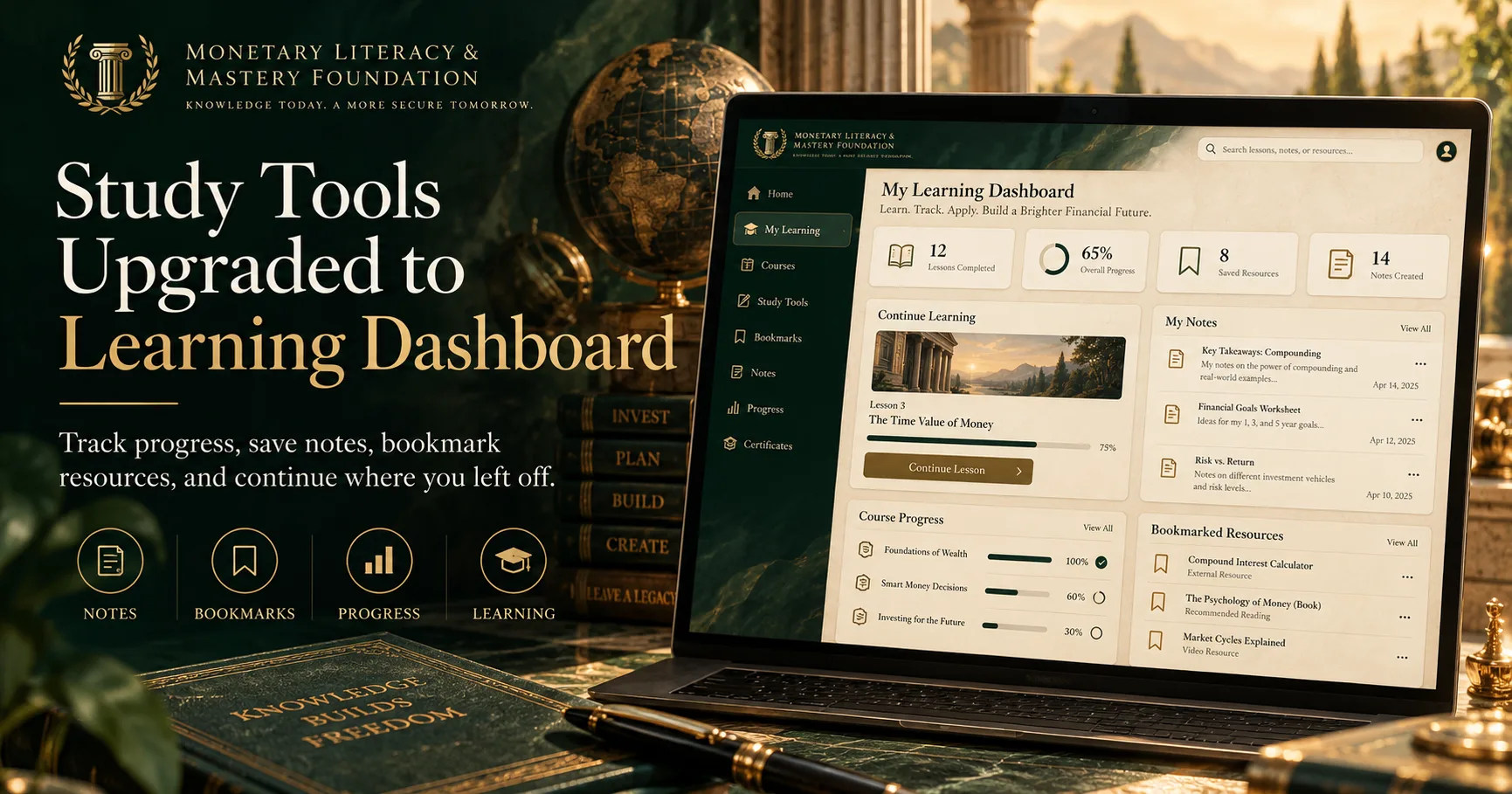

Study Tools Just Became the Learning Dashboard
Learning about the monetary system is not something most people finish in a single sitting.
A lesson leads to a question. A question leads to an article. An article leads to a documentary, a glossary term, or a book worth returning to later. Before long, the challenge is no longer simply finding information—it is keeping track of what you have learned and where you want to go next.
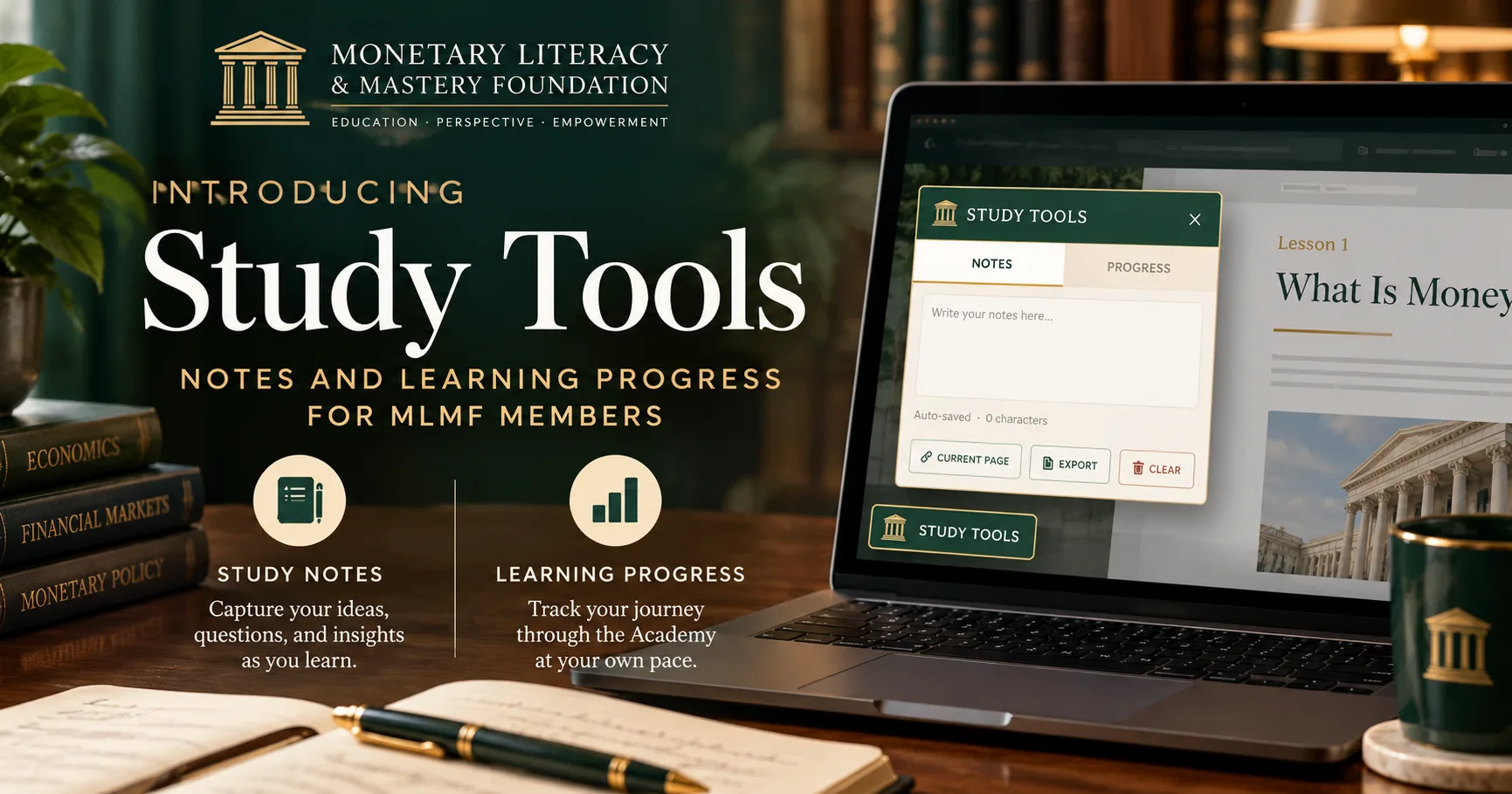
That is why we have upgraded the Monetary Literacy & Mastery Foundation’s original Study Tools into something much more useful:
The Learning Dashboard
The Learning Dashboard is a personal learning workspace built directly into the Foundation.
Instead of functioning as a small collection of study utilities, it now helps you track lessons, take notes, save resources, monitor your progress, and return to where you left off.
And it is available while you move throughout the site.
Your Learning, in One Place
The new dashboard is organized around four areas:
Lesson · Notes · Bookmarks · Progress
Each serves a different part of the learning process.
The Lesson tab recognizes when you are viewing an Academy lesson and shows where that lesson fits within the curriculum. You can see whether it is in progress or complete, move to the previous or next lesson, and save it for later.
The Notes tab gives you a private place to record ideas, questions, definitions, observations, or references as you study. Notes can be attached to individual lessons and pages, while General Notes provide a place for ideas that are not tied to a particular resource.
The new Bookmarks tab gives everything you save a permanent home. Lessons, articles, concepts, books, documentaries, glossary entries, and other resources can be saved so you can quickly return to them later.
And the Progress tab provides a broader view of your path through the Academy.
Progress That Means Something
Simply opening a lesson should not mean you completed it.
The Learning Dashboard now distinguishes between Not Started, In Progress, Ready to Complete, and Complete.
When you open a recognized Academy lesson, it becomes In Progress. Reaching the end of the lesson unlocks the option to mark it complete—but the Dashboard does not make that decision for you.
You decide when you are finished.
That distinction may sound small, but it reflects an important principle behind the Foundation: education should represent actual engagement, not merely a page view.
Your progress screen then brings those individual lessons together so you can see how far you have moved through Monetary Policy, Banking Fundamentals, and Securities Markets.
It also provides a Continue Learning option so returning members do not have to remember exactly where they stopped.
Notes That Stay Connected to What You Were Studying
Reading without reflecting can make even important ideas disappear quickly.
The Notes system is designed to make reflection part of the learning process.
While studying a lesson, you can write down:
questions you want to investigate,
definitions worth remembering,
arguments you agree or disagree with,
connections to other lessons,
quotations or resources to revisit,
or your own conclusions.
When you return, those notes remain associated with that lesson or page.
You can also export your notes, allowing your Learning Dashboard to become the beginning of a larger personal research archive.
Bookmarks Are Now Part of the Dashboard
One of the biggest additions is the new Bookmarks section.
The Foundation has grown beyond a collection of sequential lessons. There are now articles, documentaries, books, concepts, glossary entries, simulators, research resources, and deeper studies throughout the site.
Not everything needs to be read immediately.
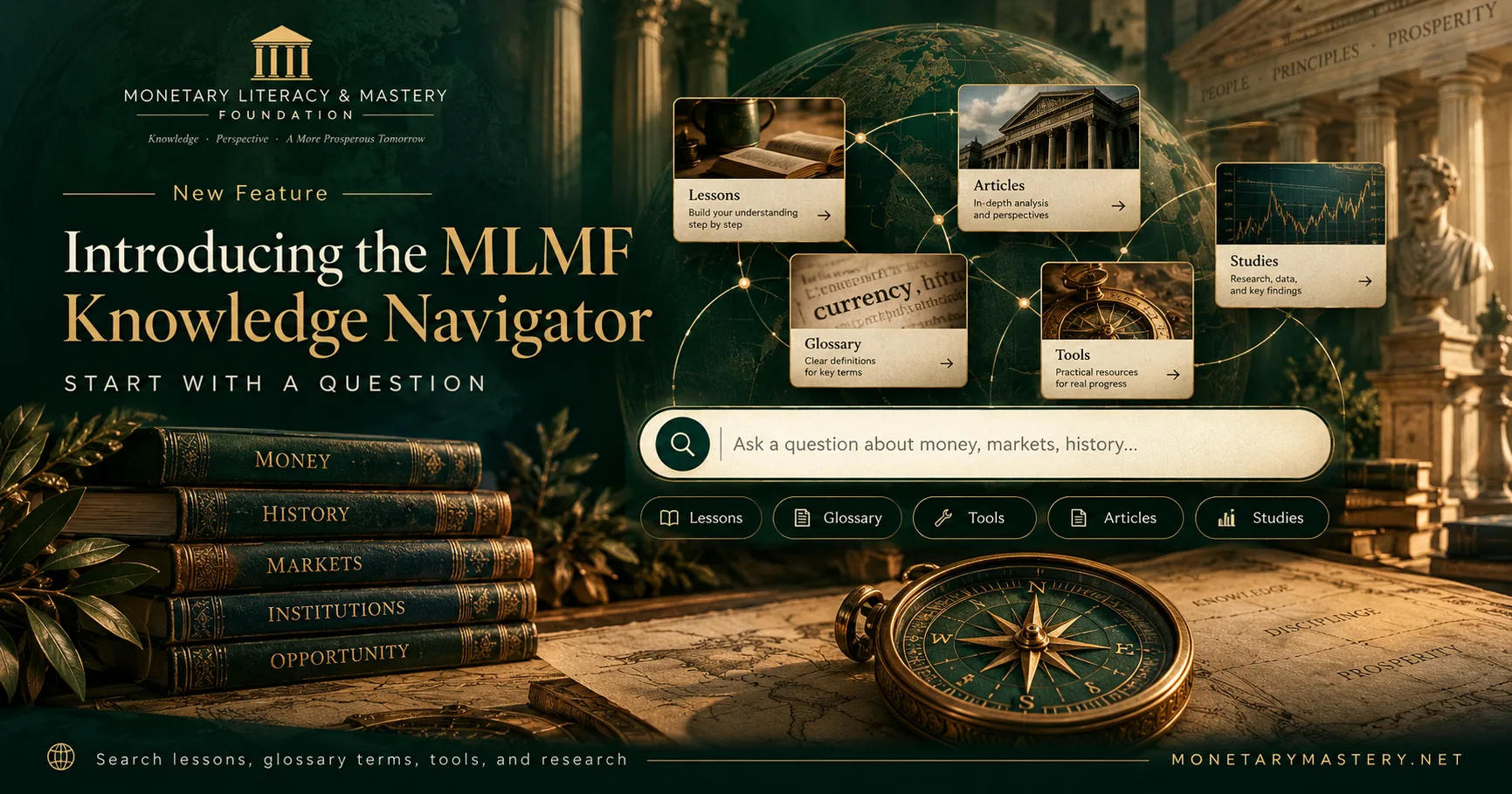
When you encounter something worth returning to, you can save it from the Learning Dashboard. Resources saved through the Knowledge Navigator also appear in the same bookmark collection.
That creates a connection between discovery and study.
The Knowledge Navigator helps you find something.
The Learning Dashboard helps you keep it.
Over time, your bookmarks can become a personal reading list built around the subjects that interest you most.
It Works Beyond the Academy
The Learning Dashboard is not limited to formal lessons.
You might be reading The Great Taking, studying a glossary entry, exploring an Extended Studies paper, or looking through another research resource. Even when the page is not part of the structured curriculum, the Dashboard remains available for notes and bookmarks.
That was an important part of the redesign.
Monetary education does not move in a perfectly straight line. Sometimes the most valuable learning happens when a lesson sends you down a completely different path of investigation.
The Dashboard is designed to follow you there.
Built Around the Way the Foundation Is Growing
The original Study Tools were useful, but the Foundation has expanded considerably since they were introduced.
Today, MLMF contains a structured Academy alongside a growing network of research, reference material, interactive tools, documentaries, literature, and community discussion.
The new Learning Dashboard brings those pieces together.
It turns the site from somewhere you simply read information into somewhere you can gradually build a record of your own monetary education.
Open a lesson.
Take notes.
Save something worth investigating.
Finish when you are actually ready.
Return tomorrow and continue where you stopped.
That is the idea behind the new Learning Dashboard.
Monetary literacy is not something you acquire from a single article or lesson. It is something you build—one question, one concept, and one discovery at a time.